
How Bridgeport Arrests Work
The Bridgeport Police Department creates every local incident and arrest record. Each case in the city starts there. The public blotter reports arrest events as they happen. It is not a live cell list. Booking is the processing step that identifies a person after the arrest, and custody can then shift through release, bond, transfer, or court action. Connecticut scrapped county government back in 1960, so no Fairfield County sheriff merges those steps into one roster.
The 2020 census put the city at 148,654 people, the largest municipality on the Fairfield County map used here. Size still doesn't force one custody route. Different questions, different systems. City police records show what Bridgeport officers reported. CT DOC shows whether someone entered state custody, and the Judicial Branch carries the final court result.
Where Bridgeport Arrests Appear
Bridgeport publishes more arrest information than most neighboring towns. Still, no single channel covers every booking, so each source answers a different piece of the question.
| Channel | Photo? | Status | Best use |
|---|---|---|---|
| Bridgeport Police Blotter | No visible photo field | Official city source | Date-bounded arrest facts |
| CT DOC inmate search | Profile may include one | Official state source | Current state custody |
| Judicial Branch lookup | No booking gallery | Official court source | Docket and disposition |
| Connecticut Post news | Sometimes | Selective news source | Story context only |
| RecentlyBooked Fairfield page | Claims are inconsistent | Unofficial | Discovery only, then verify |
Go to government sources first. The police blotter is the official word. CT DOC covers state custody rather than every arrest, and a court result is not a jail roster. The Connecticut Post and private listings can skip events, repeat stale facts, or miss part of the city, so treat them as leads rather than the record itself.
Bridgeport Police Blotter Fields
Bridgeport posts its arrest logs as PDF files, each covering a stated time period. The entries are structured. Names sit beside arrest dates, charges, and incident numbers, which helps separate people with common names and tie a booking to its later case. The page notes that juveniles are not listed.
| Field | What it helps confirm |
|---|---|
| Name, age, race, sex, address | Identity details as reported in the log |
| Arrest date and time | The reported event window |
| Incident or case number | The strongest key for a records request |
| Charge, statute, and count | The charge recorded at arrest |
| Court date and arresting officer | Where to continue official verification |
No booking photo is promised in the PDF. It isn't a current detainee list either. Before linking a name to an event, match two identifiers, such as name plus arrest date or incident number. The wording matters.
The official Bridgeport Police blotter page lists the current log links along with its own publication cautions.
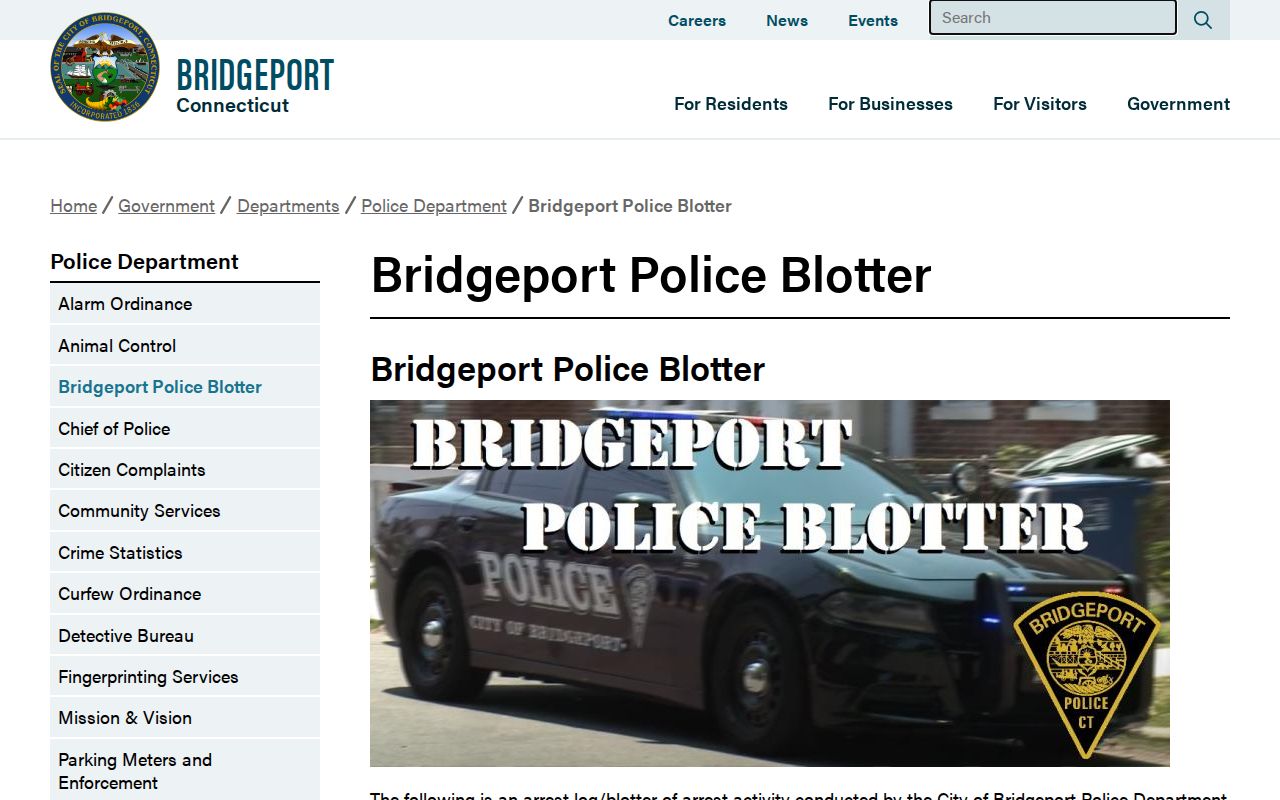
When timing matters, reopen the city page, since its listed PDF periods can change.
Find a Bridgeport Arrest
Follow the record from the city event outward. A DOC miss means little. Someone booked in Bridgeport may have been released locally, posted bond, or never entered state custody at all, so an empty result doesn't erase the police entry.
- Open the Bridgeport Police Blotter and choose the PDF whose date range contains the event.
- Match at least two details, preferably the name and arrest date, incident number, or court date.
- If state confinement is possible, search CT DOC by inmate number or the first letters of the last name, then narrow carefully.
- Use the Judicial Branch criminal lookup to find the docket and later court result.
- Ask Bridgeport Police for the official report or any releasable booking image when the public log is not enough.
A DOC profile can show custody status, current location, admission dates, release fields, a detainer, and sometimes a photograph. A detainer is a hold from another authority. Those facts describe state custody only. For a fuller picture of Connecticut's custody layers, see the Fairfield County recent-arrests hub.
Bridgeport Arrests and State Custody
Bridgeport Correctional Center sits at 1106 North Avenue. It's a CT DOC level-four facility for pretrial and sentenced people. Pretrial means judgment hasn't happened. The center serves Bridgeport-area courts, but it is not a county jail or the automatic stop for every arrest. Municipal release, bond, and transfers create other paths.
Use CT DOC for current state custody only. Someone released from a police hold may never show up there. A person sentenced later may appear after the blotter date. Arraignment, meaning the first court appearance, and disposition live on the Judicial Branch docket instead. Verify with the clerk. The public court search is not the official file.
Request Bridgeport Arrest Records
The Bridgeport Police Department keeps its own incident and arrest reports. Start at the official department page. Be specific. Give the person, a date and time range, the location, an incident number, and the exact items sought. The arrest report, the booking record, and any releasable image are separate requests. Ask for each one by name. A report request doesn't guarantee a photo.
Connecticut treats the record of arrest as public under CGS §1-215, with redactions allowed for protected people, active investigations, and other restricted details. Public status doesn't require the city to post records online, and fees, timing, and image release follow department and FOI rules. If material is withheld, request the legal basis in writing.
300 Congress Street
Bridgeport, CT 06604
(203) 581-5100
Bridgeport Arrest Photos Have Limits
Official booking photos are hard to get in Bridgeport. The blotter's PDFs are text only, with no booking-photo field in any file. They are logs, not galleries. A CT DOC profile can carry a picture when someone enters state custody, but that image belongs to the state correctional record, not to a city arrest file. Its source matters more than its look. News photos raise the same question. A story may run an agency-supplied, court, or file image, and private Fairfield listings offer unclear city coverage with conflicting photo claims. A face plus a name still proves little. The police report and the court docket remain the documents that decide what happened.
Bridgeport Arrest News Coverage
The Connecticut Post covers Bridgeport crime and court events, but it picks stories for news value. Editorial judgment drives what runs. There is no fixed booking window. A story can pull useful detail from a warrant affidavit or a police statement, yet routine arrests may never make the paper at all. Treat coverage as a lead, not a record. Grab a date, a spelling, or an agency name. The story may even point to a court lead. Then return to the Police Blotter, the department record, and the Judicial Branch, because news and private pages can linger online after a charge changes while the court docket holds the legal result.
Older Bridgeport Arrest Records
A blotter PDF covers only the dates printed on that file. It is not a full archive. Arrests outside that span will not appear. When your date is missing from the current links, ask the Police Department for a date-bounded search of the official record. An incident number helps most. It ties your request to the agency's own file. Without it, give the full name, the approximate arrest date and time, the location, and the reported charge or event type.
Connecticut's municipal records program runs on retention schedules. Public-safety materials fall under that schedule family. A web PDF and the agency's official copy can be kept for different periods, so a missing link does not mean a record was erased. Ask Bridgeport Police whether the report remains in municipal custody. Ask which schedule applies. Legal erasure is a separate court-driven process, and it can change what the agency may disclose.
Verify Bridgeport Arrest Identities
Structured logs help, but they can still mislead. Two people can share a name. Addresses are sometimes incomplete. One Bridgeport arrest may also carry several counts at once, which makes mix-ups easy.
Before treating two records as one event, compare the details. Check the arrest date, the incident number, the age, and the court date across both entries. If the police PDF and the court search disagree, note the date on each source. Then ask the agency or the clerk to sort out the mismatch for you.
Timing matters just as much here. The police log shows what happened at the booking stage. The court docket can later show amended charges, a dismissal, or a nolle. A nolle means the prosecutor dropped the matter at that time. Connecticut erasure rules can also affect what appears later. A saved news story or private page may miss every one of those changes, so the most recent official source should control.
Bridgeport Police Department Location and Directions
Public Record Search
Sponsored Results